TV & Video Remote Control 20175.0
Publisher Description
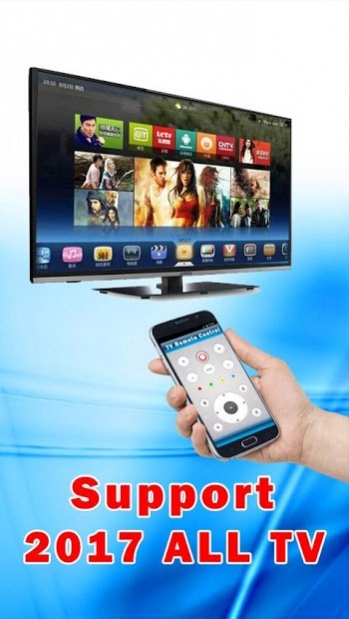
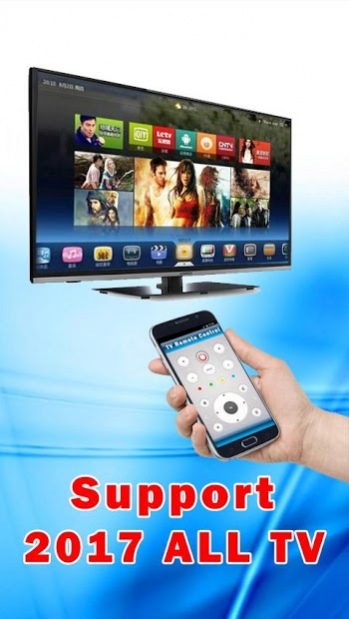
This amazing Tv Remote For All Tv convert your device into a universal TV remote.
The difference between Universal TV Remote Control" and app supports almost 96% of the television on the market in 2017.
This TV Remote Control app can also connect to your smart TV using WiFi.
Tv Remote Control Supported all brands (Samsung, Vizio, Sony, LG, Toshiba,Sanyo,Sharp,Philips,Sony,Panasonic,Sylvania,Insignia,Emerson,RCA,Westinghouse or many more TV )
Features Universal TV Remote Control :
Vizio TV Remote Control
Samsung TV Remote Control
LG TV Remote Control
Sony TV Remote Control
Sanyo TV Remote Control
Sharp TV Remote Control
Philips TV Remote Control
Panasonic TV Remote Control
Toshiba TV Remote Control
Sylvania TV Remote Control
RCA TV Remote Control
Insignia TV Remote Control
Emerson TV Remote Control
Westinghouse TV Remote Control
Thomson TV Remote Control
FUNAI TV Remote Control
hisense TV Remote Control
Hitachi TV Remote Control
aiwa TV Remote Control
maxent TV Remote Control
All SMART TV Remote Control
This remote control app requires IR blaster,we will to update our application to increase compatibility all TVs.
We do not affiliate with any brand of these businesses and this app is an unofficial product.
About TV & Video Remote Control 2017
The company that develops TV & Video Remote Control 2017 is TV Remote Tools Shop. The latest version released by its developer is 5.0. This app was rated by 1 users of our site and has an average rating of 1.5.
To install TV & Video Remote Control 2017 on your Android device, just click the green Continue To App button above to start the installation process. The app is listed on our website since 2017-01-23 and was downloaded 1,434 times. We have already checked if the download link is safe, however for your own protection we recommend that you scan the downloaded app with your antivirus. Your antivirus may detect the TV & Video Remote Control 2017 as malware as malware if the download link to com.RemoteControl.TV.Smart2017 is broken.
How to install TV & Video Remote Control 2017 on your Android device:
- Click on the Continue To App button on our website. This will redirect you to Google Play.
- Once the TV & Video Remote Control 2017 is shown in the Google Play listing of your Android device, you can start its download and installation. Tap on the Install button located below the search bar and to the right of the app icon.
- A pop-up window with the permissions required by TV & Video Remote Control 2017 will be shown. Click on Accept to continue the process.
- TV & Video Remote Control 2017 will be downloaded onto your device, displaying a progress. Once the download completes, the installation will start and you'll get a notification after the installation is finished.
